**Note that the latest instructions for this integration are in our Tech Notes. Please use those over anything in this older blog post.**
TeamDynamix is a popular service and project management tool designed for Education, Public Sector, and Healthcare. Sassafras AllSight is a hardware and software asset management suite providing detailed auditing and usage tracking. Because hardware and software inventory and usage statistics are valuable to help desk workers and other IT service providers working in the TeamDynamix environment, many of our customers have asked us for a way to integrate AllSight data into their TeamDynamix databases.
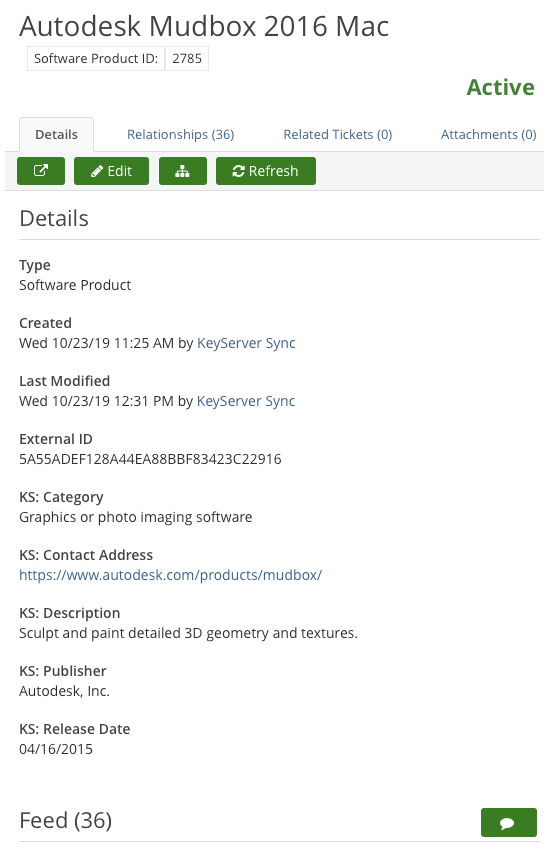
Today, we’re happy to announce that information recorded by Sassafras can now be integrated into TeamDynamix, allowing users to access a vast set of computer and software usage data within in the TeamDynamix interface. We worked directly with TeamDynamix developers to engineer this official integration process. With TeamDynamix integration up and running, your Desktop Support teams, Help Desk workers, and other TeamDynamix users can have immediate access to the wealth of computer hardware, software audit, and usage information. Here’s a sample computer record in TeamDynamix, augmented with Sassafras data:
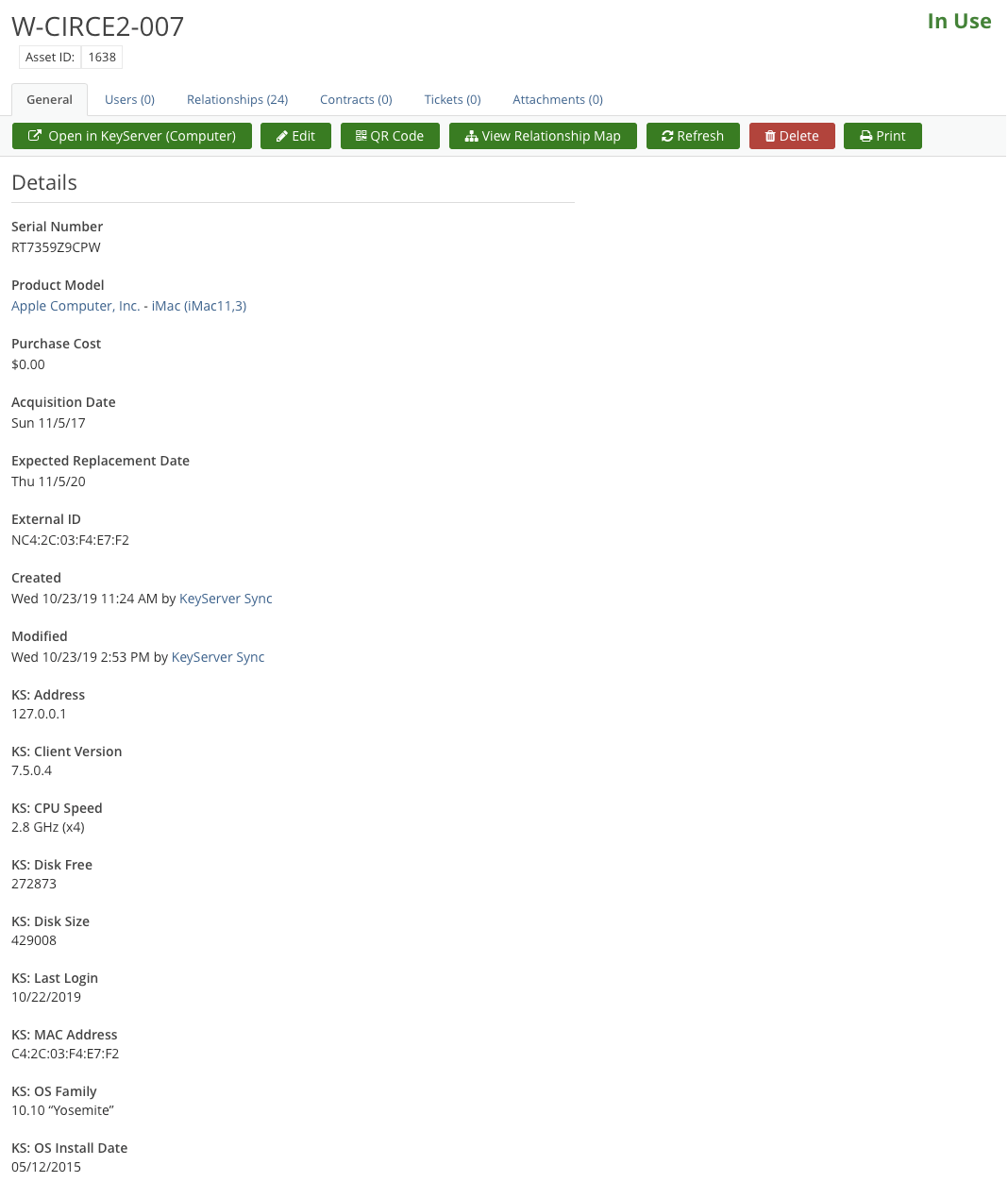
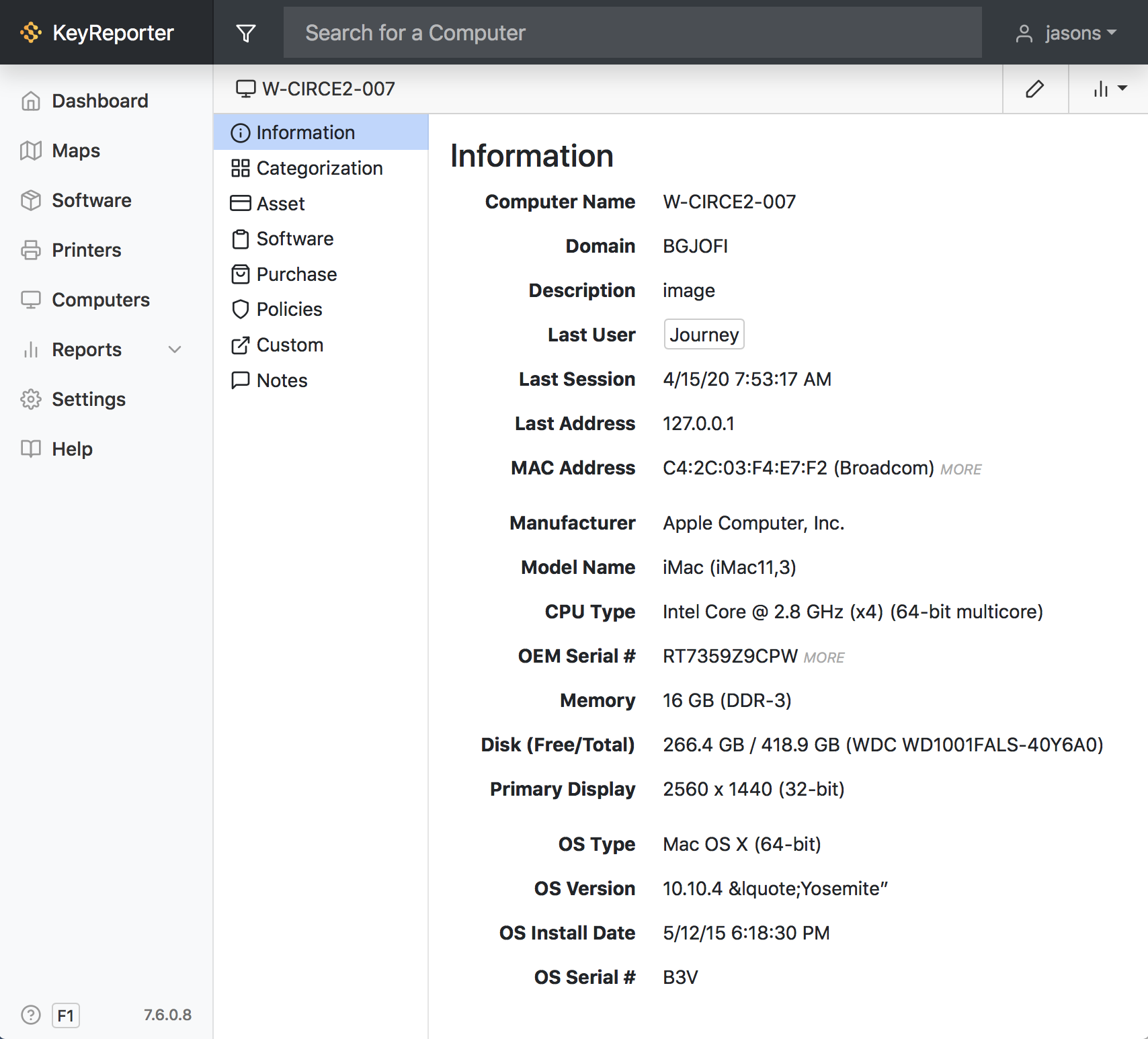
By default, AllSight-specific attributes (those containing the KS: prefix) will appear below the standard TeamDynamix attributes, but they can be rearranged by editing forms in TeamDynamix. If you add an external viewer (optional), the “Open in KeyServer (Computer)” button in the TD computer record above will take you to the detail page for the computer in the AllSight web interface, where you can see additional computer data collected by AllSight:
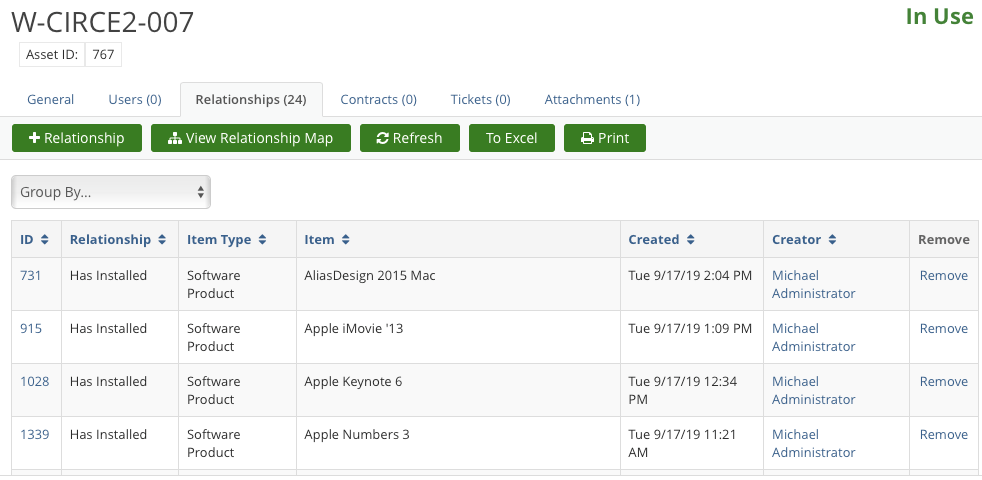
Product relationships, if added, will appear as below.
Each product “Configuration Item (CI)” will let you view the properties of a product, along with a list of all the computers it’s installed on (Relationships).
For testing, there is a “sandbox” option that will put AllSight data into your Non-Production TD environment. When testing, be aware that a few properties from TeamDynamix will write to AllSight fields, including Asset ID, Department, and Serial Number—so if you want to avoid moving that data into AllSIght, you might want to set up an AllSight test instance as well.
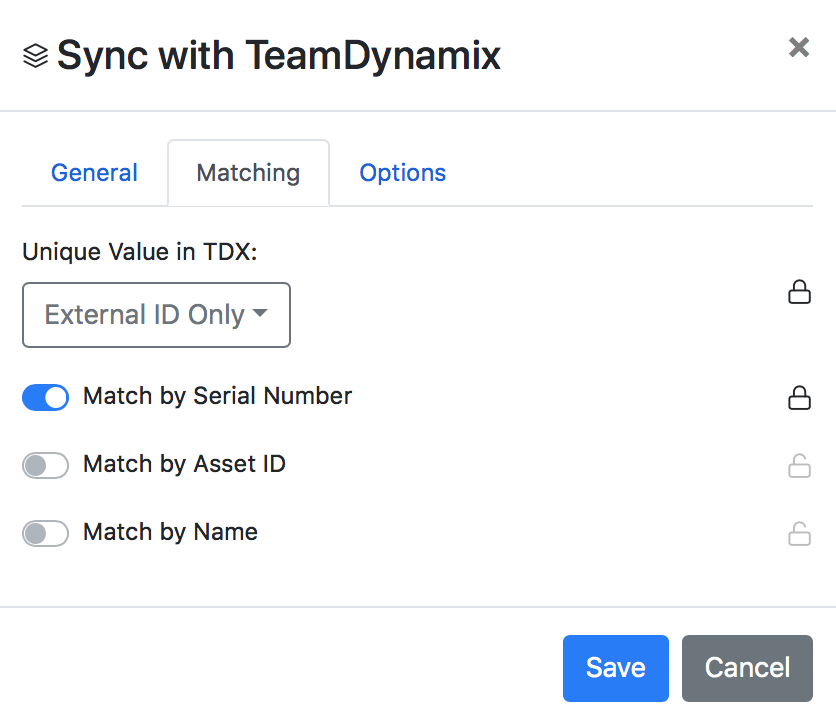
The integration has the ability to create new Computer records (Assets) in TeamDynamix, or if you already have computer records in TD, you can use it to add additional information. Computer matching is based on Serial Number, Asset ID, or Computer name.
 Access the Tech Note here for more information:
Subscribe


Subscribe:
Follow:


 See K2 First-hand:
Follow: