
Computer labs allow universities to provide students with the hardware and software they need to work and learn without incurring the cost of issuing a computer to every single student. Ideally, the goal is to purchase as few computers and as little software as necessary for students to get their work done–no more and no less. But how do you determine the optimal amount of hardware and software, when there are so many variables to account for?
In a word: information.
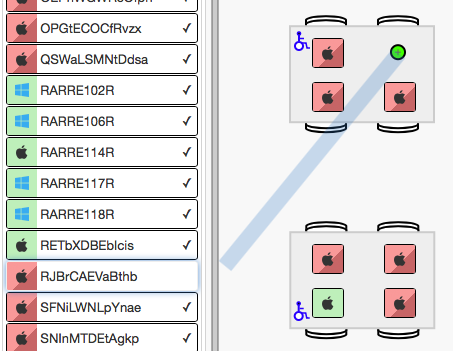
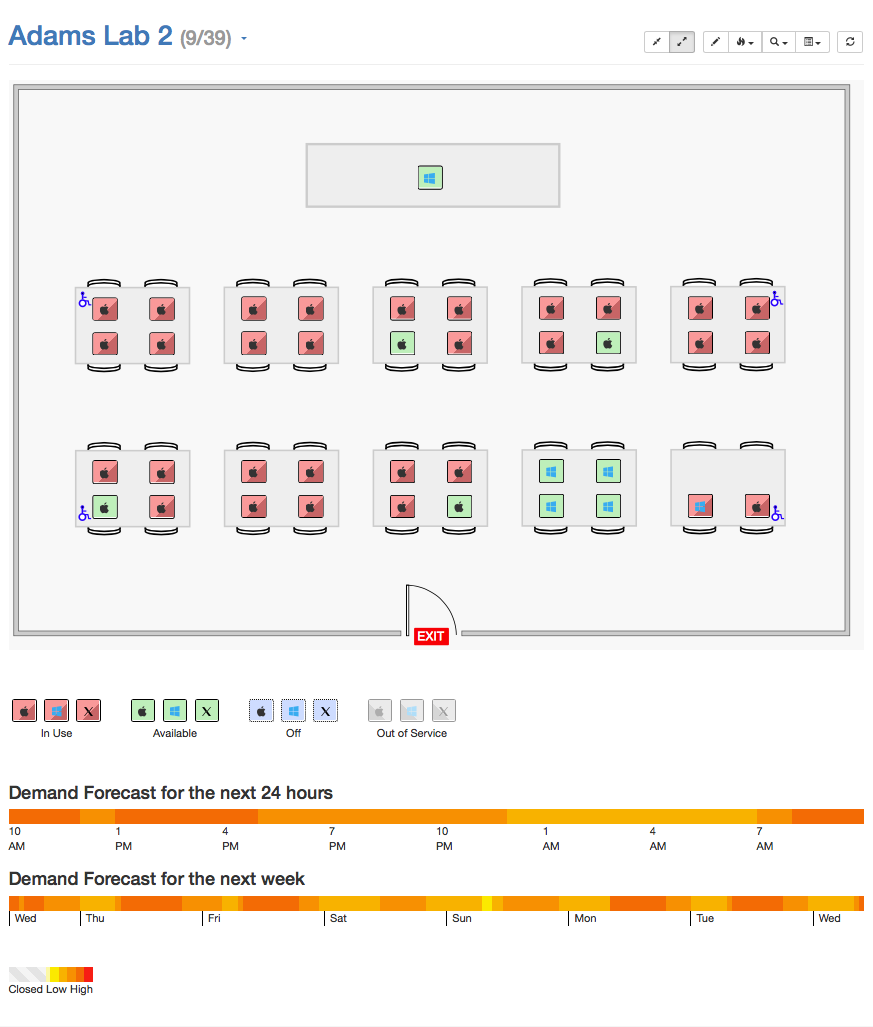
Not only do administrators need information about historical computer and software usage, but students and help desk workers need real-time information about current computer and software availability. KeyReporter’s Computer and Software Availability Maps are designed to provide up-to-the-minute hardware availability data to end users, including a unique software search feature that lets users find not just an open computer, but one that actually has the software titles they need to complete their assignments. And our brand new drawing tools make it easier than ever to design and implement maps for all of your computer labs and classrooms.
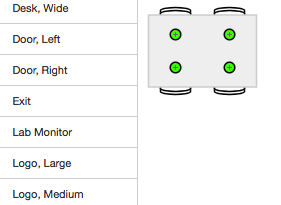
In this webinar, we’re going to introduce you to our all-new lab map design features, and walk through the process of building out a new lab from start to finish. New features available in the 7.5 version of KeyServer include: an object library with pre-built desks and useful icons, computer “snap points” for quick placement of hardware, multi-room maps for floor or department-level availability, and intuitive drawing tools for designing your own tables and other objects within the browser.



Subscribe


Subscribe:
Follow:


 See K2 First-hand:
Follow: